
How to Restore Old Photos with AI Free Online
Learn how to easily restore old photos with AI free of charge. Discover the best techniques to fix damaged family pictures online. Try our tool today!
Family photographs are tangible pieces of our personal history. They capture fleeting moments, beloved ancestors, and memories that define who we are. However, time is rarely kind to physical paper and ink. Over the decades, these precious physical memories are subjected to sunlight, moisture, improper storage, and general wear and tear. They become faded, scratched, torn, and discolored, threatening to erase the visual legacy of our past.
For a long time, fixing these degraded images required hiring expensive professional restorers who spent weeks painstakingly repairing the damage by hand or using complex digital software. Today, the landscape has completely changed. Thanks to rapid advancements in artificial intelligence, anyone can now restore old photos with AI, bringing faded memories back to life in a matter of seconds.
In this comprehensive guide, we will explore exactly how this groundbreaking technology works, the types of damage it can repair, and how you can restore old photos with AI free of charge from the comfort of your own home.
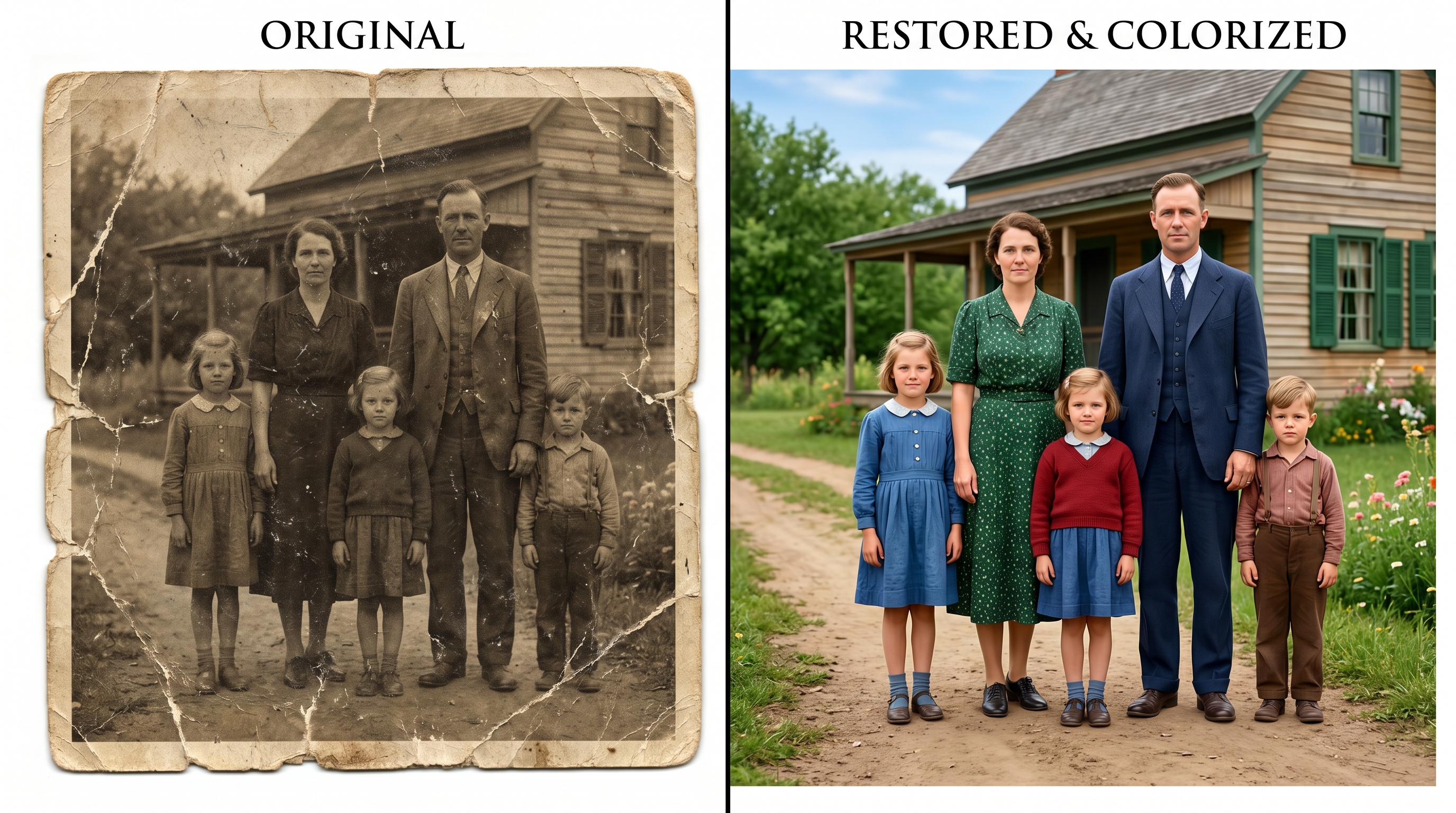
The Evolution of Photo Preservation
To truly appreciate the power of modern AI, it is important to understand how photo restoration used to work. Historically, restoring a photograph was a highly specialized skill. It involved creating a chemical copy of the original negative or print and physically painting over blemishes. With the advent of computers, this process moved to digital software like Photoshop. While digital editing was a massive leap forward, it still required hours of manual labor. An editor had to use clone stamp tools, healing brushes, and complex layer masks to fix every individual scratch or tear.
Artificial intelligence has revolutionized this workflow. Instead of relying on manual pixel manipulation, AI uses deep learning algorithms and neural networks that have been trained on millions of before-and-after images. These networks understand what a human face should look like, how a background should blend, and what colors are appropriate for a specific era. When you restore old photos with AI, the software analyzes the damaged areas and intelligently predicts and generates the missing pixels, seamlessly blending them with the intact parts of the image.
Why You Should Restore Old Photos with AI
If you have a box of old, damaged photos sitting in your attic, you might be wondering if it is worth the effort to digitize and repair them. Here are several compelling reasons why utilizing AI for this task is the best approach:
1. Unprecedented Speed
What used to take a professional digital artist several hours can now be accomplished by an AI algorithm in mere seconds. The moment you upload your image, the AI scans the pixels, identifies imperfections, and applies complex mathematical models to generate a clean, restored version almost instantly.
2. Cost-Effective and Accessible
Professional photo restoration can cost anywhere from $50 to several hundred dollars per photograph, depending on the severity of the damage. This makes restoring an entire family album financially impossible for most people. Fortunately, you can now restore old photos with AI free of charge using modern web tools, democratizing access to professional-grade image preservation.
3. Zero Technical Skills Required
You do not need a degree in graphic design or an expensive software subscription to fix your pictures. AI restoration tools are designed with user-friendly interfaces. The complex neural network operations happen entirely behind the scenes, leaving you with a simple "upload and click" experience.
4. Preservation for Future Generations
Physical photos will eventually degrade beyond repair. By digitizing and restoring them using AI, you are creating a permanent, high-resolution digital file that can be easily shared with family members across the globe, printed on modern archival paper, or stored safely in the cloud forever.
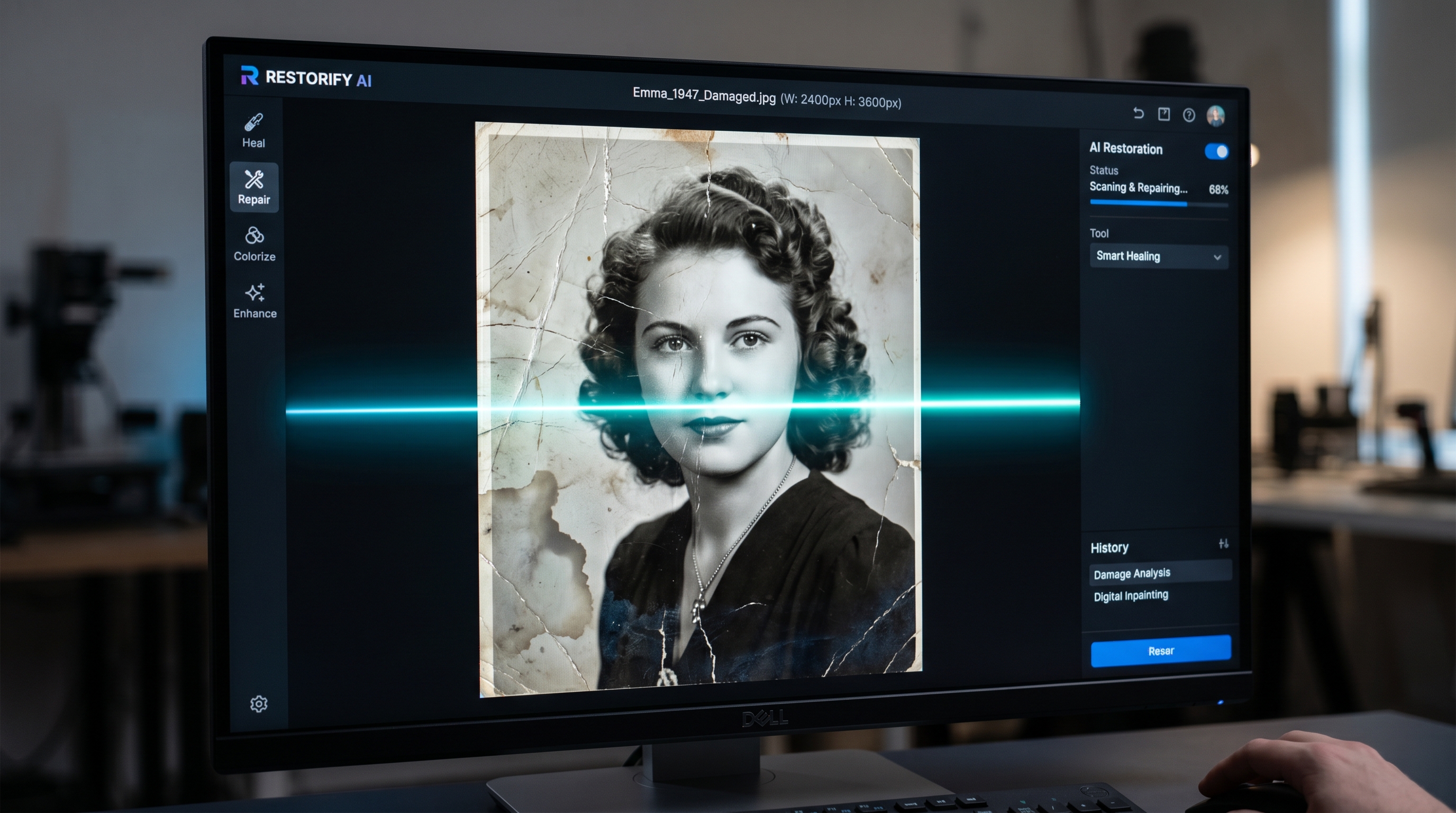
Common Types of Photo Damage AI Can Fix
Artificial intelligence is incredibly versatile when it comes to image repair. Whether your photo survived a flood or just decades of being passed around, AI can likely help. Here are the most common types of degradation that AI excels at fixing:
Scratches, Creases, and Tears
Physical handling often leaves photos with deep creases, folded corners, and surface scratches. AI uses a technique called "in-painting" to fix these issues. By analyzing the pixels surrounding the scratch, the AI intelligently fills in the gap with matching textures and colors, making the tear completely disappear.
Fading and Yellowing
Exposure to UV light causes the chemical dyes in old photos to break down, resulting in a faded, washed-out appearance or a distinct yellow tint. AI restoration tools automatically adjust the white balance, enhance contrast, and correct color degradation, bringing back the original vibrancy of the scene.
Blurriness and Loss of Detail
Older cameras often suffered from focus issues, and the degradation of paper can cause images to lose their sharpness. AI upscaling models can analyze a blurry face and reconstruct the lost details—such as the sharpness of an eye or the texture of hair—resulting in a crisp, clear portrait that looks like it was taken with a modern camera.
Water Damage and Mold Spots
Moisture is the enemy of physical photographs, often leaving behind dark spots, mold stains, or warped textures. AI algorithms are trained to differentiate between the actual subject of the photo and these intrusive stains, effectively erasing the mold and smoothing out the water-damaged areas.
Step-by-Step Guide to Free AI Photo Restoration
Ready to bring your family history back to life? Follow this simple, step-by-step guide to restore old photos with AI free of charge.
Step 1: Digitize Your Original Photograph
Before AI can work its magic, you need a digital copy of your physical photo. For the best results, use a flatbed scanner and scan the image at a minimum of 300 DPI (Dots Per Inch), though 600 DPI is recommended for smaller photos. If you do not have a scanner, you can use a smartphone scanning app. Ensure the photo is placed flat in a well-lit area with natural light, and avoid casting shadows or creating glare on glossy paper.
Step 2: Choose the Right AI Tool
Once you have your digital file, it is time to process it. For seamless, high-quality results, Nano Banana 2 offers a powerful suite of AI image tools. Whether you need background removal, image uncropping, or dedicated photo restoration, the platform handles it all with advanced neural networks.
Step 3: Upload and Process
Navigate to the restoration tool and upload your scanned image. The AI will immediately begin analyzing the file. During this brief processing time, the algorithm is mapping out scratches, identifying faded colors, and rebuilding facial details.
Step 4: Review and Download
Once the AI has finished processing, you will typically be presented with a side-by-side comparison of the original and the restored image. Review the changes to ensure you are happy with the outcome. Finally, download the restored image to your device. It is highly recommended to save the file in a lossless format like PNG, or a high-quality JPEG, and back it up to a cloud storage service.
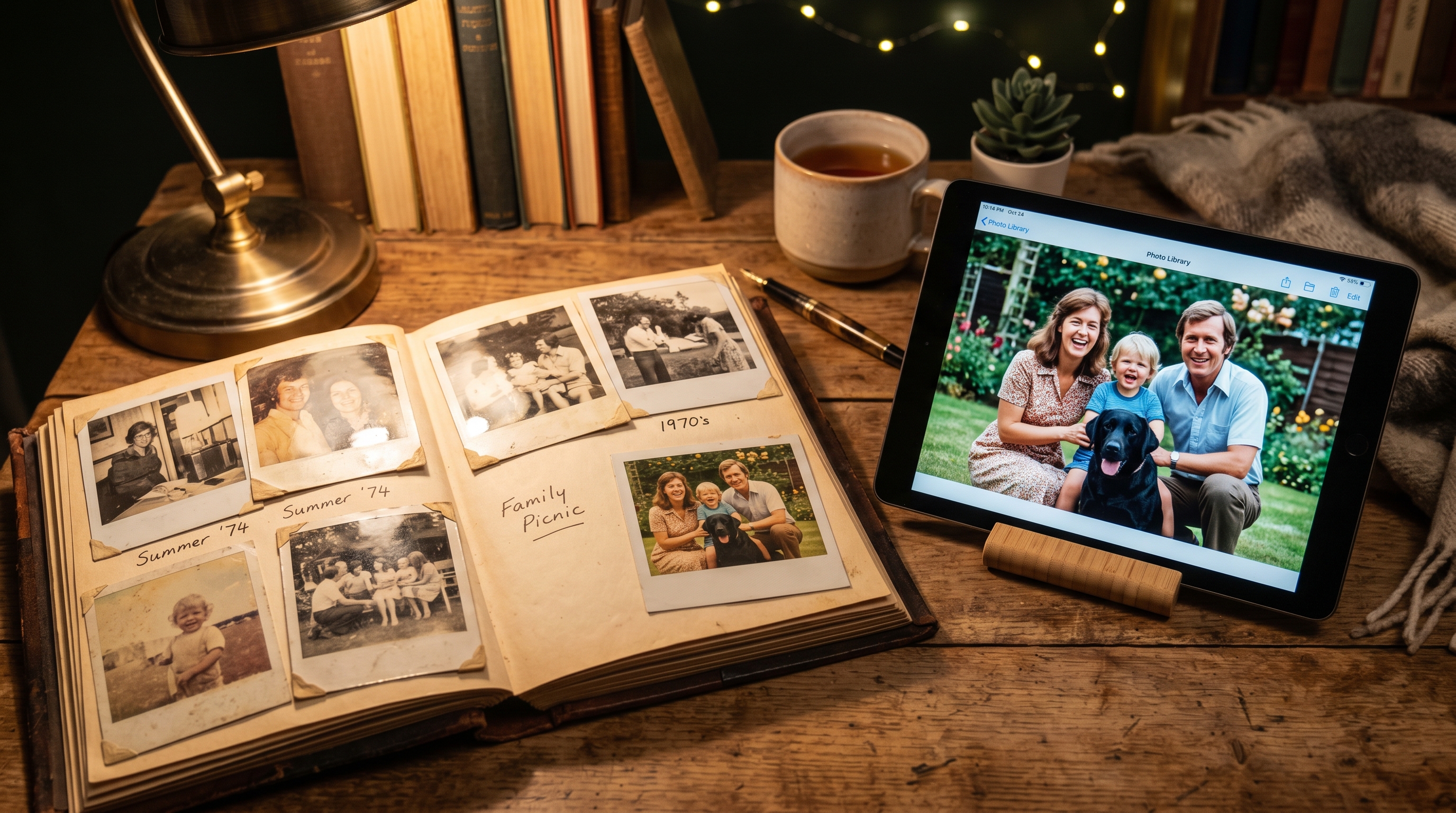
Pro Tips for the Best Restoration Results
While AI is incredibly powerful, the quality of the final output heavily depends on the quality of the input. Here are some advanced tips to ensure you get the absolute best results when you restore old photos with AI:
- Clean the Physical Photo First: Before scanning, gently wipe the surface of the photograph with a soft, dry microfiber cloth to remove loose dust and debris. Do not use water or chemical cleaners.
- Scan in Color: Even if your original photo is black and white or sepia, always set your scanner to capture in full color (RGB). This captures more data and subtle tonal variations, which helps the AI algorithm understand the image better.
- Do Not Crop Too Tightly: Leave a small border around the edge of the photo when scanning. If the edges of your photo are heavily damaged or missing, you can use AI Image Uncrop tools later to naturally expand the background and restore the original framing.
- Combine AI Tools: Sometimes a photo needs more than just scratch removal. If the background is distracting or heavily damaged beyond repair, consider using an AI Background Removal tool to extract the subject and place them on a clean, studio-quality backdrop.
Frequently Asked Questions (FAQ)
Is it really possible to restore old photos with AI for free?
Yes, absolutely. Many modern AI platforms offer free tiers or trial credits that allow users to experience the power of AI restoration without upfront costs. You can easily restore old photos with AI free of charge using these accessible online tools, making it easier than ever to preserve your family's legacy.
Does AI restoration ruin the original physical photo?
Not at all. The AI restoration process is entirely digital. You are only altering a scanned digital copy of the photograph. Your original physical print remains completely untouched and safe. In fact, digitizing it reduces the need to handle the fragile physical copy in the future.
How long does the AI photo restoration process take?
Unlike traditional manual restoration, which can take days or weeks, AI photo restoration is incredibly fast. Most advanced AI tools process and repair an image in just 10 to 30 seconds, depending on the file size and your internet connection speed.
Can AI colorize black and white photos?
Yes. Many AI photo restoration tools include automatic colorization features. The AI analyzes the textures and subjects in the black and white image—such as sky, grass, skin tones, and clothing—and applies historically accurate and realistic colors based on its vast training data.
Conclusion
Our old family photographs are irreplaceable treasures that connect us to our past. Letting them fade away in a dusty box is a disservice to the memories they hold. Thanks to the incredible advancements in artificial intelligence, preserving these memories is no longer a costly or time-consuming burden.
By taking the time to digitize your family albums, you can easily restore old photos with AI, erasing decades of scratches, tears, and fading in mere seconds. The technology is fast, highly effective, and completely accessible to anyone with an internet connection. Do not let time erase your family's visual history. Take advantage of modern AI tools today, rescue your damaged pictures, and ensure that your cherished memories remain vibrant and clear for generations to come.
Try Nano Banana 2 — AI Image Tools
Remove backgrounds, restore photos, generate AI headshots and more — all free to start.
Start for Free →