
Best AI Product Background Remover Guide
Discover how an AI product background remover can transform your ecommerce images. Boost sales with clean, professional photos. Try our tool today!
Best AI Product Background Remover Guide
In the hyper-competitive world of online retail, visual presentation is everything. When a potential customer lands on your digital storefront, they cannot touch, feel, or test your items. Their entire purchasing decision relies heavily on the quality of your visual content. This is where an AI product background remover becomes an absolute necessity for modern businesses. Cluttered, poorly lit, or distracting backgrounds can instantly diminish the perceived value of your items, leading to higher bounce rates and lost revenue.
Historically, achieving that perfect, studio-quality "Amazon white" background required hours of tedious manual labor using complex graphic design software. Editors had to painstakingly draw clipping paths around every intricate detail. Today, artificial intelligence has completely revolutionized this workflow. By leveraging an AI product background remover, e-commerce managers, small business owners, and digital marketers can achieve pixel-perfect image isolation in a matter of seconds.
In this comprehensive guide, we will explore how automated background removal is transforming ecommerce image editing, why you need to integrate it into your workflow, and the best practices for achieving flawless results every single time.
The Business Impact of an AI Product Background Remover
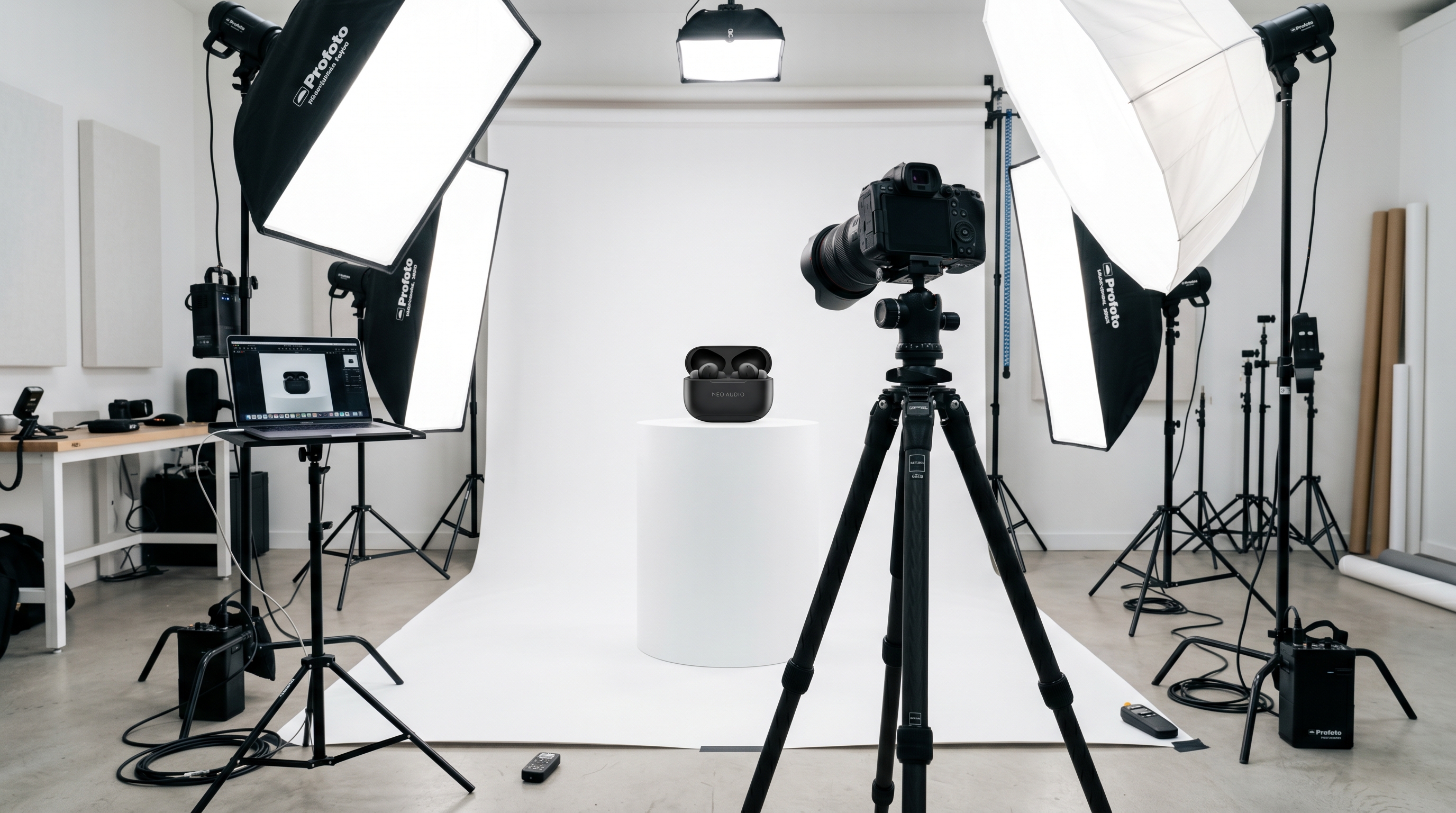
When evaluating the tools necessary to run a successful online store, a transparent background maker should be at the top of your list. The business impact of utilizing an AI product background remover extends far beyond mere aesthetics; it directly influences your bottom line.
First and foremost, consistency builds brand trust. When a shopper browses your catalog, a uniform presentation with clean, distraction-free backgrounds signals professionalism. It mimics the experience of a high-end retail catalog. If your product grid features a chaotic mix of living room backgrounds, outdoor shots, and poorly cropped images, consumers may question the legitimacy and quality of your brand.
Secondly, major e-commerce marketplaces demand strict adherence to image guidelines. Platforms like Amazon, eBay, and Google Shopping require primary product photos to have a pure white background (RGB 255, 255, 255). Failing to meet these requirements can result in your listings being suppressed or banned. An AI product background remover ensures that your entire inventory is instantly compliant with these strict marketplace standards, saving you from potential account penalties.
Finally, automated background removal drastically reduces overhead costs. Hiring a professional retoucher or an agency to manually clip hundreds of images can cost thousands of dollars and take weeks to complete. AI tools process images in milliseconds, allowing you to launch new product lines faster and cheaper than ever before.
Manual Editing vs. Automated Background Removal
To truly appreciate the power of an AI product background remover, it is essential to understand the traditional alternative: manual editing. For decades, the standard method for isolating an object involved using the "Pen Tool" in software like Adobe Photoshop.
This manual process requires a steady hand and a significant time investment. A skilled editor might take anywhere from five to fifteen minutes to accurately cut out a single complex item, such as a bicycle with wire spokes or a piece of jewelry with delicate chain links. When you multiply that time by a catalog of 500 products, the sheer volume of labor becomes a massive bottleneck for your business operations.
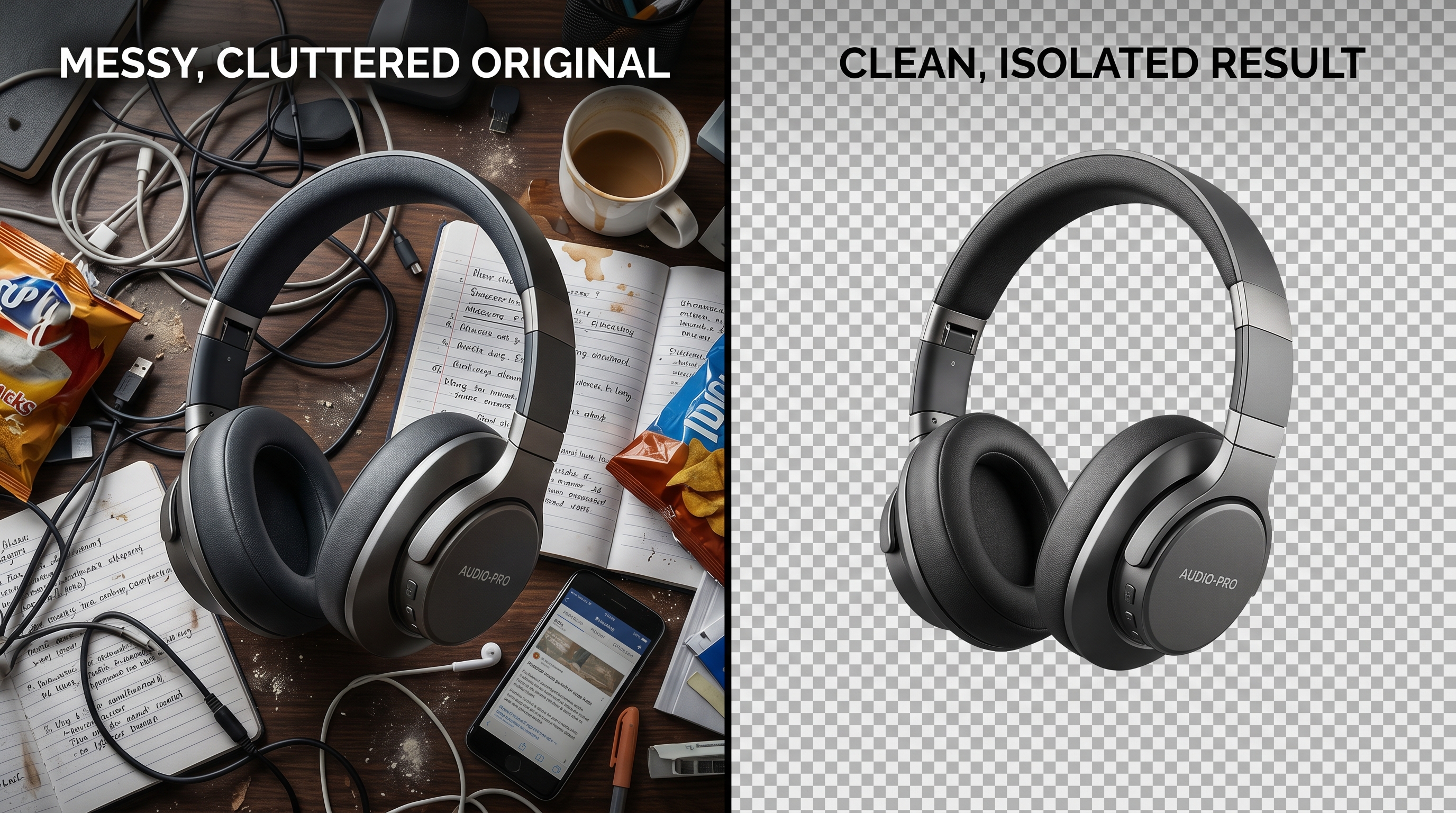
Automated background removal flips this paradigm on its head. Modern AI models are trained on millions of images, allowing them to instantly recognize the primary subject of a photo and separate it from its surroundings. These algorithms excel at edge detection, effortlessly distinguishing between the product and the background, even in challenging scenarios involving transparent glass, reflective metals, or intricate textures like fur and hair.
By transitioning to an AI product background remover, you shift your resources away from tedious pixel-pushing and toward high-level creative strategy. You can spend more time optimizing your listings, running marketing campaigns, and ultimately growing your business.
Key Features of a Top-Tier Transparent Background Maker
Not all AI editing tools are created equal. When selecting an AI product background remover to enhance product photos for your business, you need to look for specific features that guarantee professional-grade output.
1. Advanced Edge Detection: The most critical component of a transparent background maker is its ability to handle complex edges. The AI must be able to accurately cut out fine details without leaving a "halo" effect—a thin, unnatural outline of the original background. Look for tools that specifically boast high-precision edge detection for difficult subjects.
2. High-Resolution Output: E-commerce platforms require high-resolution images to enable zoom functionality for shoppers. An inferior AI tool might successfully remove the background but compress and degrade the overall quality of the product image. Ensure that the tool you choose supports high-definition exports so your images remain crisp and clear.
3. Speed and Batch Processing: If you have a large inventory, processing images one by one is highly inefficient. The best AI product background remover solutions offer batch processing capabilities, allowing you to upload dozens or even hundreds of photos simultaneously and download the isolated results in a single zip file.
4. Integration with Broader AI Workflows: The most powerful platforms offer a suite of tools. For example, after removing the background, you might want to use AI image generation to place your product in a lifestyle setting, or use an image uncrop tool to adjust the aspect ratio for Instagram or Pinterest.
Step-by-Step Guide to Perfect Ecommerce Image Editing
Implementing an AI product background remover into your daily operations is incredibly straightforward. Follow this step-by-step workflow to achieve flawless e-commerce images.
Step 1: Capture High-Quality Source Photos While AI is incredibly powerful, it works best when given a good starting point. Ensure your product is well-lit and in focus. Try to shoot against a solid, contrasting color. If your product is dark, shoot it against a lighter wall; if it is light, use a darker backdrop. This contrast helps the AI algorithm identify the product's boundaries more easily.
Step 2: Upload to Your AI Tool Once you have your photos, it is time to process them. For a seamless, high-quality experience, you can use the AI background remover for product photos provided by Nano Banana 2. Simply drag and drop your image files into the interface. The AI will instantly analyze the visual data and separate the foreground from the background.
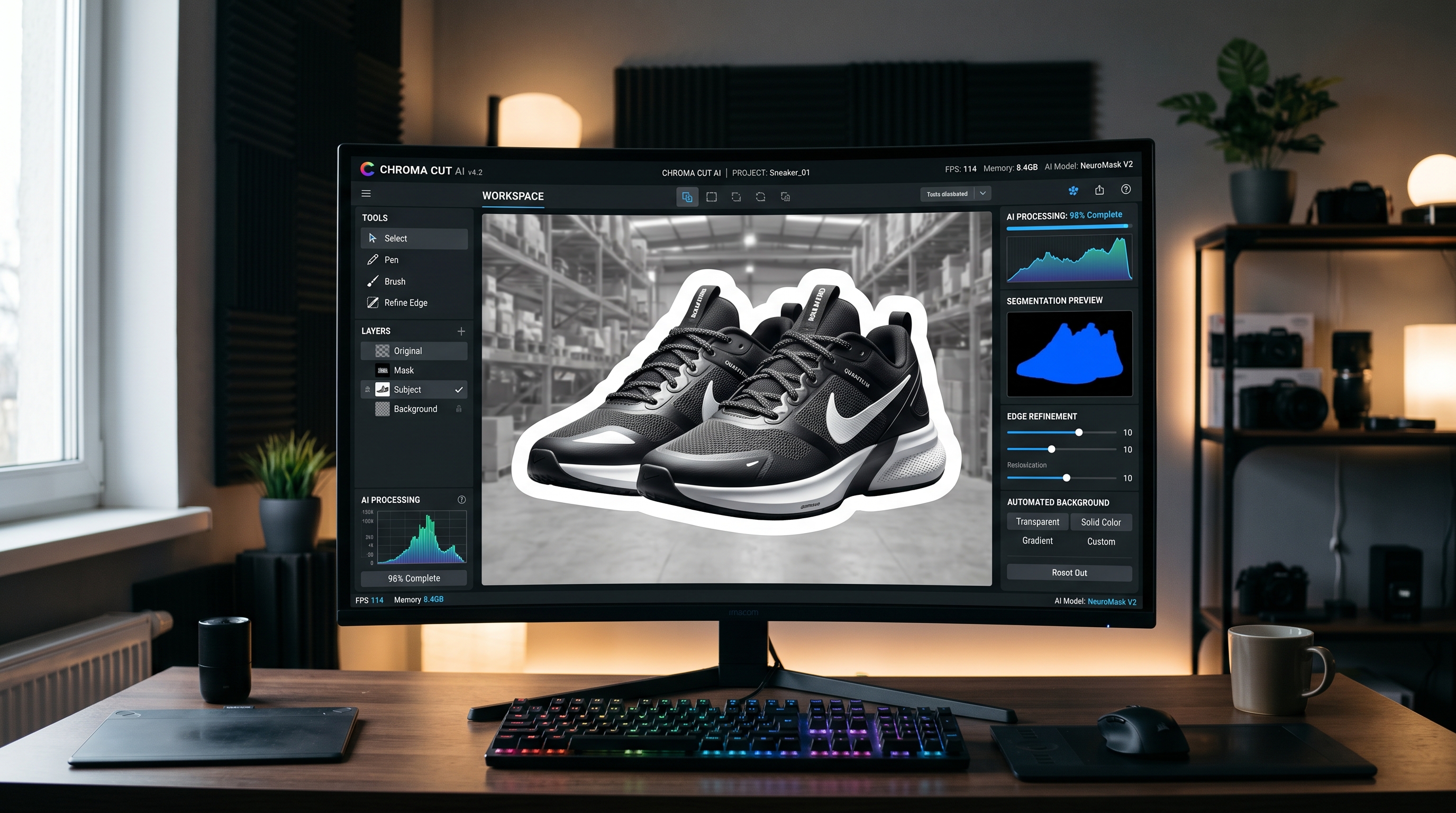
Step 3: Review and Refine Within seconds, the AI product background remover will present you with the isolated item. Take a moment to review the edges. Top-tier tools like Nano Banana 2 offer incredible accuracy, but if you are dealing with an exceptionally complex image, you may have the option to make minor manual adjustments using a built-in brush tool to restore or erase specific pixels.
Step 4: Choose Your New Background Once the original background is gone, you have several options. You can export the image as a PNG with a transparent background, which is ideal for graphic design projects and website banners. Alternatively, you can apply a pure white background for Amazon compliance, or use a brand-specific hex color to match your Shopify store's theme.
Elevating Visuals: Adding Shadows and Lifestyle Context
Removing the background is often just the first step in comprehensive ecommerce image editing. Once you have used an AI product background remover to isolate your item, you need to ensure it doesn't look like it is floating unnaturally in a white void.
To ground the product and enhance realism, it is crucial to add artificial shadows. A subtle drop shadow or a realistic reflection can make a massive difference in how the consumer perceives the item. Many automated background removal tools offer built-in shadow generation, analyzing the shape of the product to cast a realistic, perspective-accurate shadow.
Furthermore, you can take your isolated product and place it into entirely new, AI-generated environments. Instead of organizing an expensive photoshoot in a modern kitchen to sell a blender, you can simply remove the background from a studio shot of the blender and use AI to generate a photorealistic kitchen counter behind it. This allows for infinite creative flexibility and rapid A/B testing for your marketing campaigns.
Frequently Asked Questions (FAQ)
Does an AI product background remover reduce image quality?
High-quality AI tools are specifically designed to preserve the original resolution of your subject. While the background is deleted, the pixels that make up your product remain untouched and uncompressed, ensuring that your final image is just as sharp as the original photograph.
Can AI handle transparent products like glass or liquids?
Yes, modern automated background removal algorithms have become highly sophisticated. They are trained to recognize the refractive properties of glass, water, and transparent plastics. The AI can retain the transparency of the object while removing the environment behind it, allowing you to place the glass seamlessly onto a new background.
Why do marketplaces require pure white backgrounds?
Platforms like Amazon and Google Shopping enforce a pure white background policy to create a clean, uniform browsing experience for users. It prevents sellers from using distracting, brightly colored backgrounds to unfairly grab attention, ensuring that the consumer's focus remains entirely on the product itself.
Is it better to use AI or hire a professional photo editor?
For the vast majority of e-commerce applications, an AI product background remover is vastly superior in terms of speed and cost-effectiveness. AI can accomplish in seconds what takes a human editor minutes or hours. However, for highly specialized, creative editorial campaigns (like a Vogue magazine spread), a human editor's artistic touch may still be required.
Conclusion
In the fast-paced digital marketplace, efficiency and visual excellence are the keys to success. Utilizing an AI product background remover is no longer a futuristic luxury; it is a fundamental requirement for any serious e-commerce operation. By transitioning from manual editing to automated background removal, you can dramatically cut costs, accelerate your time-to-market, and ensure your product catalog looks impeccably professional.
Whether you are selling handcrafted jewelry on Etsy or managing a massive inventory on Amazon, a reliable transparent background maker will elevate your brand's aesthetic. Embrace the power of AI to enhance product photos, streamline your creative workflow, and ultimately drive more sales for your business.
Try Nano Banana 2 — AI Image Tools
Remove backgrounds, restore photos, generate AI headshots and more — all free to start.
Start for Free →